Tip Tuesday: Dealing with Too Much of a Particular Color in Photoshop
If you have a color that’s too intense in your photo (for example, your reds are too red, which is pretty common in some cameras), try this…
Read More

If you have a color that’s too intense in your photo (for example, your reds are too red, which is pretty common in some cameras), try this…
Read More
When you zoom into an image 600% or more in Photoshop, you’ll notice that it looks like you’re...
Read More
With winter rearing its frosty head in most parts of the country, it’s likely that most outdoor...
Read More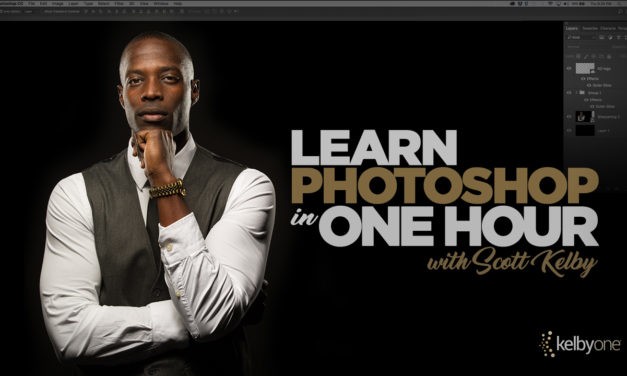
Join Scott Kelby as he teaches you the essential things you need to learn about Photoshop to get up and running.
Read More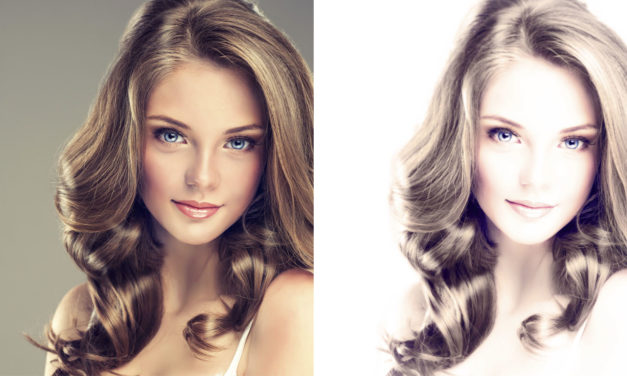
On the flipside of creating images that are tack sharp is the idea of embracing the beauty of a softer focus. Instead of being dismissed as a technical flaw, soft-focus projects can have a romantic, dreamy look. This idea matches well with a high-key approach that’s common in glamour photography. While this is typically accomplished in-camera, it can also be simulated easily in Photoshop with a variety of techniques. This tutorial steps through several techniques that individually can produce a soft-focus effect, but when used together they create a beautiful result that can be quite stunning!
Read More